Collaboration tools used to mean a shared inbox and a calendar. In 2026 they are the connective tissue of the workplace, linking people, tasks, documents and decisions across shifts, locations and devices.
When communication is scattered across texts, email threads and sticky notes, important details get lost and people spend their day asking what happened. The right tools put conversations, tasks and knowledge in one place, so teams act faster with less friction. Here are seven reasons collaboration tools matter this year.
The seven reasons, in plain terms
1. One shared home for team communication
Important information often lives in someone's text thread or a forwarded email. A shared workspace gives announcements, questions and updates a single place to live, so everyone sees the same message at the same time.
- Fewer missed messages: announcements reach the whole team, not just whoever was online.
- One source of truth: people stop asking which version or which thread is the latest.
- Less switching: fewer apps and tabs means more of the day spent on actual work.
2. Shared tasks and work orders everyone can see
Repair requests, inspections and daily checklists get lost when they are passed along by word of mouth. Capturing each one as a shared task, with an owner and a due date, makes it clear who is doing what and when.
Everyone can see status without asking, which cuts the back-and-forth and stops tasks from falling between shifts.
Where the week goes, before and after
Illustrative hours per employee per week on common time-wasters
Illustrative figures for explanation only. Real results vary by team, industry and setup.
3. Built for phones and shift-based teams
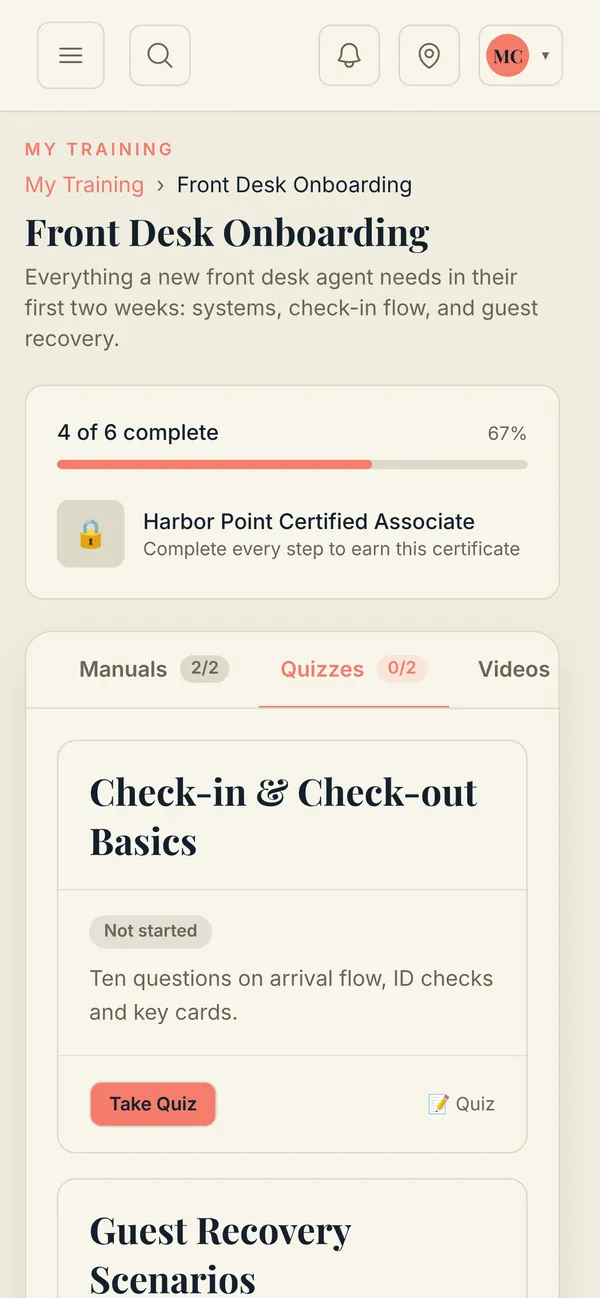
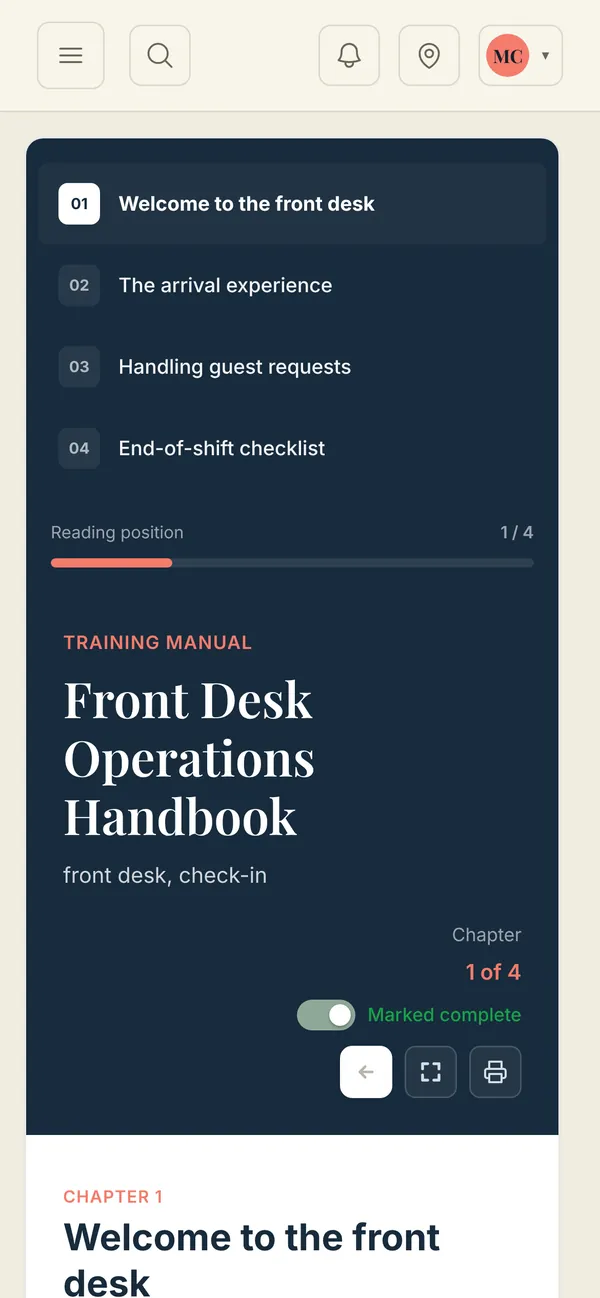
Many teams never sit at a desk. Collaboration tools that work in the phone browser keep frontline and shift-based employees as connected as the office, with training, checklists and messages one tap away.
That matters more every year as workplaces become more distributed, with several locations, staggered shifts and a mix of on-site and remote managers.
4. Faster approvals, forms and sign-offs
Paper forms and email chains slow everything down. Digital forms, document approvals and sign-offs move work forward automatically, with reminders for anything that is waiting on someone.
Managers spend less time chasing signatures, and employees get answers sooner.
5. Two-way feedback that lifts engagement
Engagement grows when people feel heard. Collaboration tools make it easy for leaders to share news and for employees to respond, ask questions and give feedback, rather than communication flowing one way from the top.
- Surveys and pulse checks: hear from the whole team, including people who rarely speak up.
- Recognition: call out good work where everyone can see it.
- Clarity: people understand what is happening and why, which builds trust.
Requests resolved within one business day
Illustrative share of requests closed within a day, over 12 weeks
Illustrative curve to show the concept, not measured customer data.
6. Searchable knowledge and AI-assisted answers
A large share of every workday goes to finding things: the right policy, the latest checklist, the answer to a routine question. Keeping manuals and SOPs in one searchable library, with an AI assistant that answers from your own material, turns minutes of hunting into seconds.
Answers come from the same approved source every time, which keeps teams consistent and frees managers from repeating themselves.
7. Visibility that improves operational efficiency
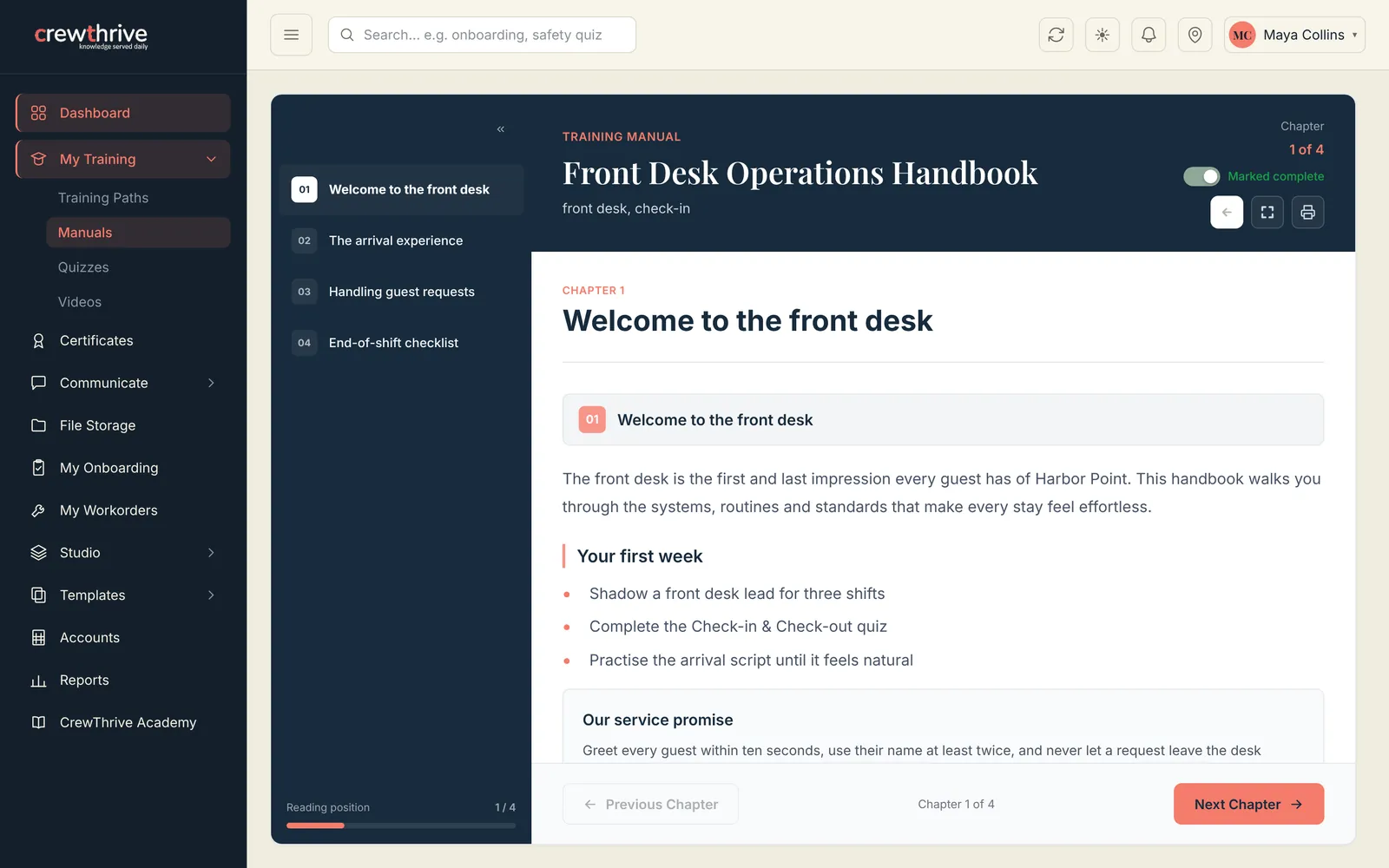
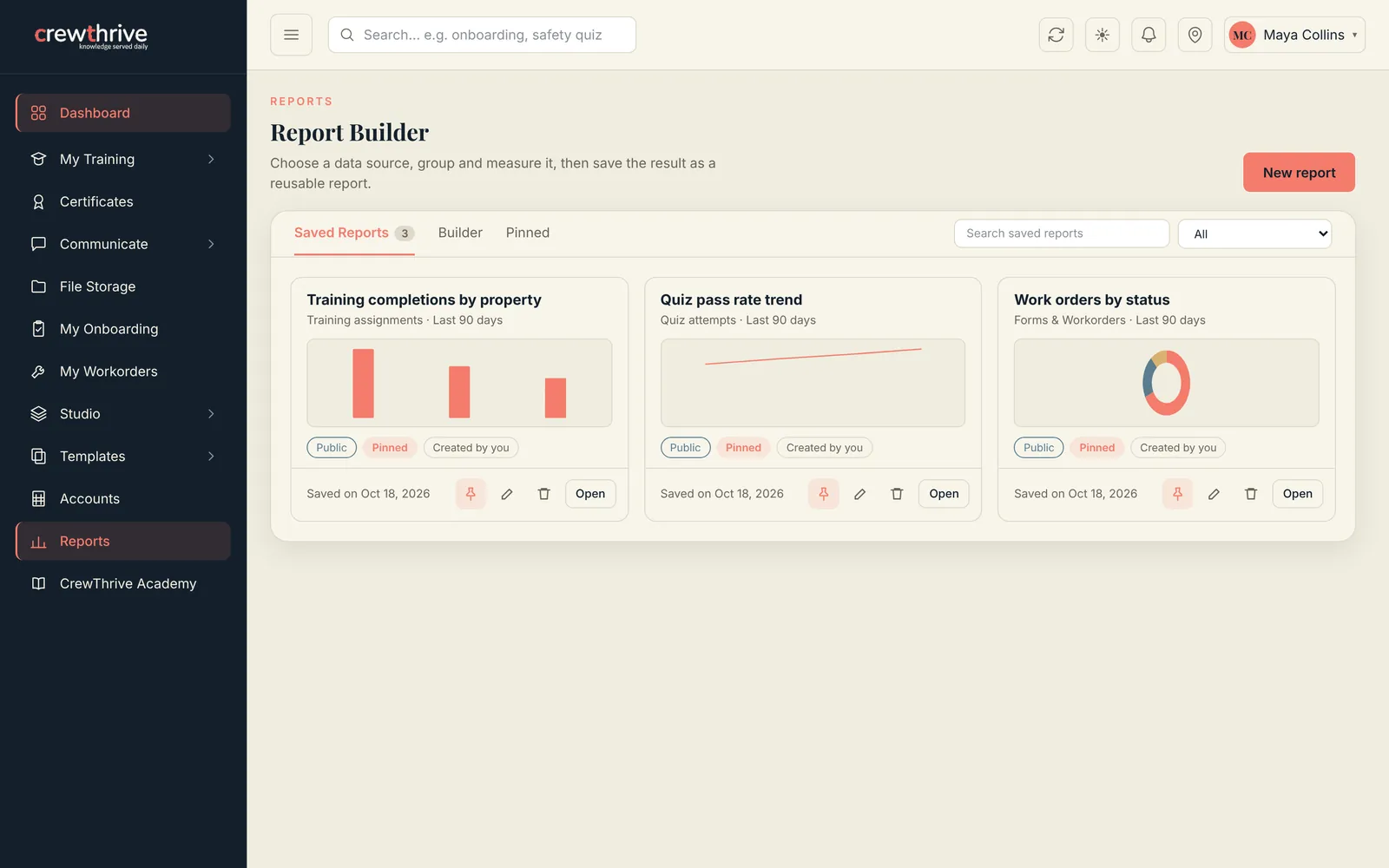
You cannot improve what you cannot see. When tasks, training and communication live in one system, reports show what is getting done, where work is stuck and which locations need support.
Leaders can spot bottlenecks early, share what works across teams and make decisions with real data instead of hunches.
Relative impact of each capability
Illustrative index (0 to 100) of where teams typically feel the biggest gains
Illustrative index for explanation only, not a statistical benchmark.
Start with the biggest pain point
You do not need to change everything at once. Pick the area that costs your team the most time, such as scattered announcements or paper approvals, move it into one shared workspace, and measure the difference. Then expand from there.
Key takeaways
- One shared workspace replaces scattered texts, emails and notes, so fewer details get lost.
- Phone-ready tools keep deskless and shift-based teams as connected as office staff.
- Faster approvals, searchable knowledge and AI-assisted answers cut the time spent chasing information.
- Two-way feedback and clear reporting improve engagement and show where operations can run smoother.
Ready to bring your team together?
AI-powered training, onboarding, SOPs, work orders and workforce management in one platform.
Book a demoOr start your 6-month free trial. No credit card required.